Initial Journey
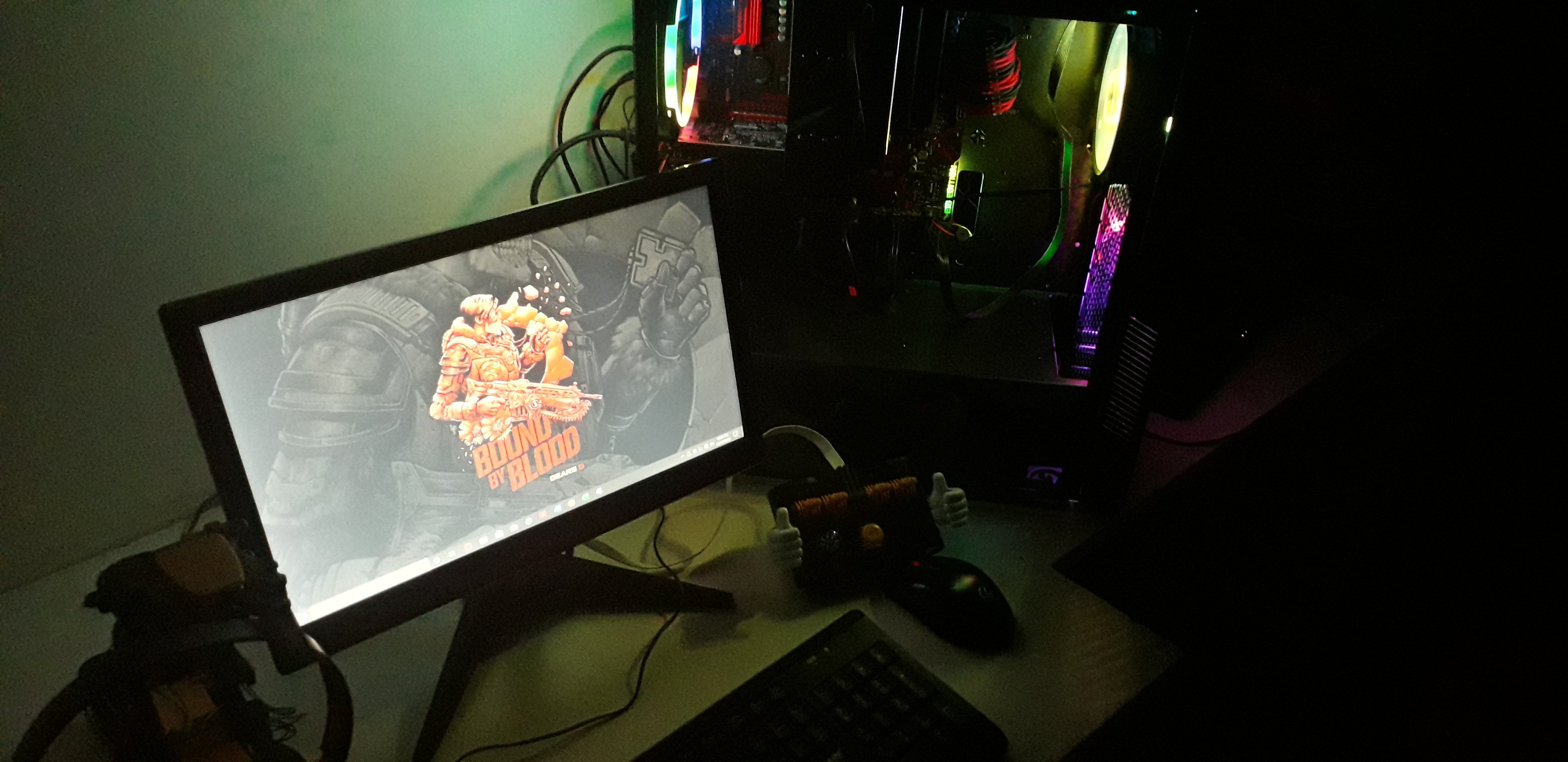
The rough idea was simple: turn the old machine into something I could reach from anywhere, keep it flexible enough to grow over time, and use it as a place to try services without worrying about breaking my main setup.
It was also the first time the project felt bigger than a toy lab. It was a way to keep learning the same tools I had studied, but in a setup that I actually controlled.
First Setup
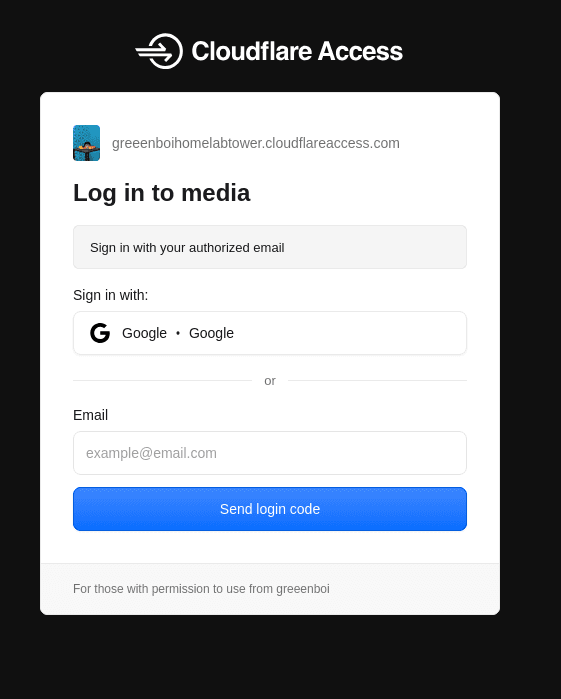
Once that was done, I experimented with services like Tailscale as a private VPN that would let me access the server from anywhere. But the problem was that it had limited seats, and that would not allow my friends or any other guests to join.
So I went with a readymade reverse proxy like cloudflared. It allowed me to install a daemon onto the system and use the Cloudflare Zero Trust dashboard to configure gateways, access points, and policies in a very simple manner.
The best part was that I could assign it my own domain, which let me expose my services to anyone I chose as a simple website.
Current Setup
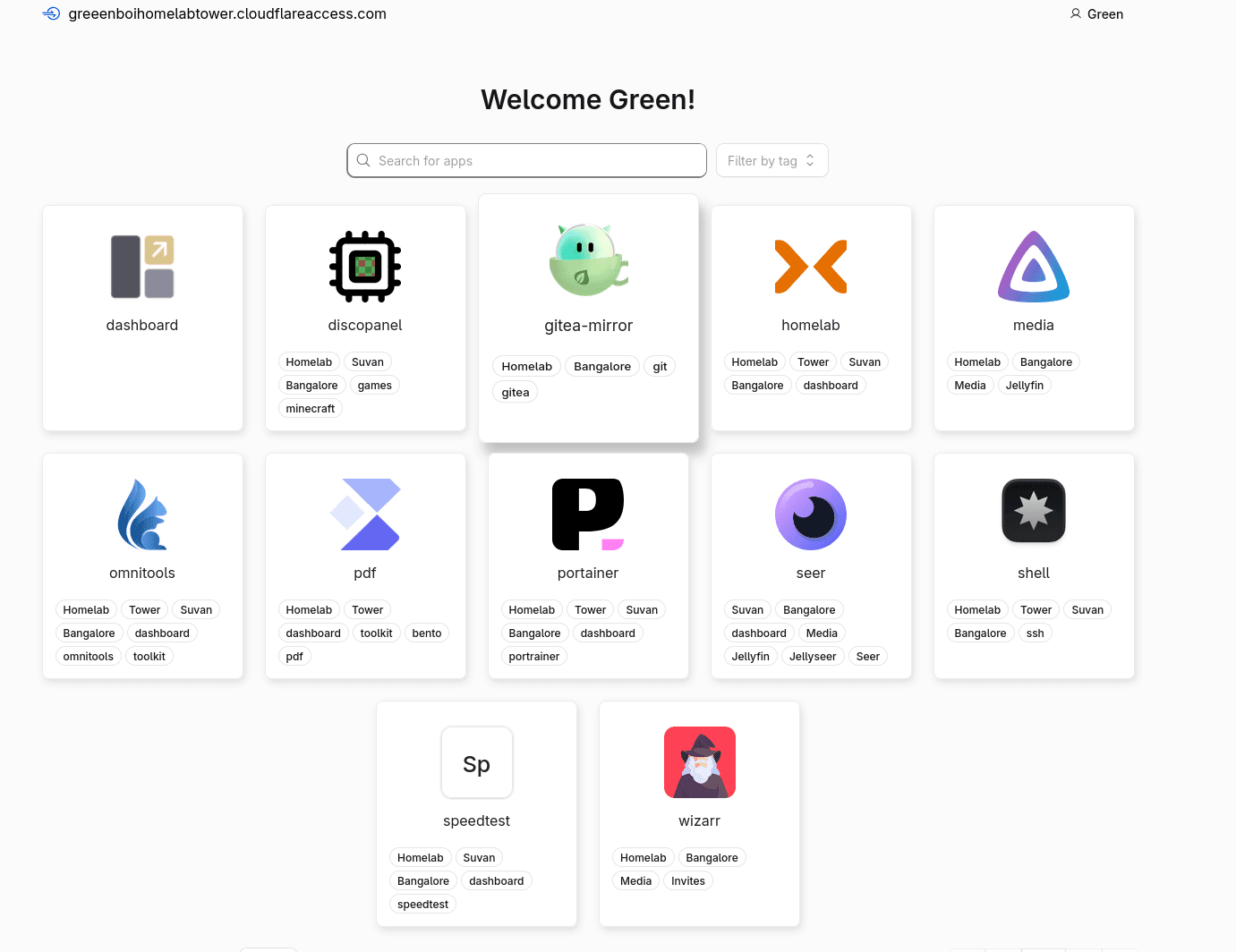
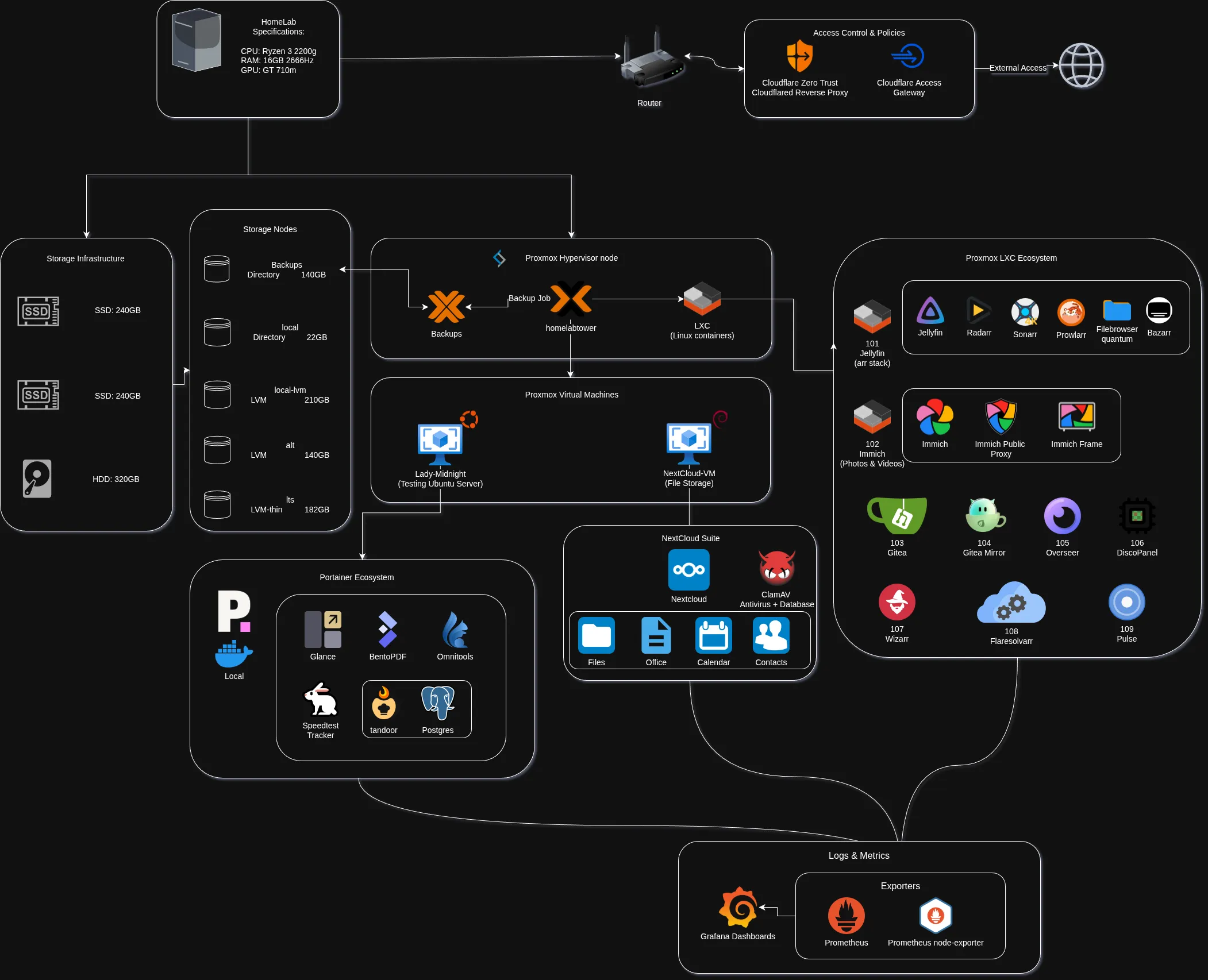
- NextCloud Suite VM (OneDrive alternative): A dedicated Debian VM acting as my private cloud for file storage, office tools, and calendars, hardened with a ClamAV antivirus pipeline.
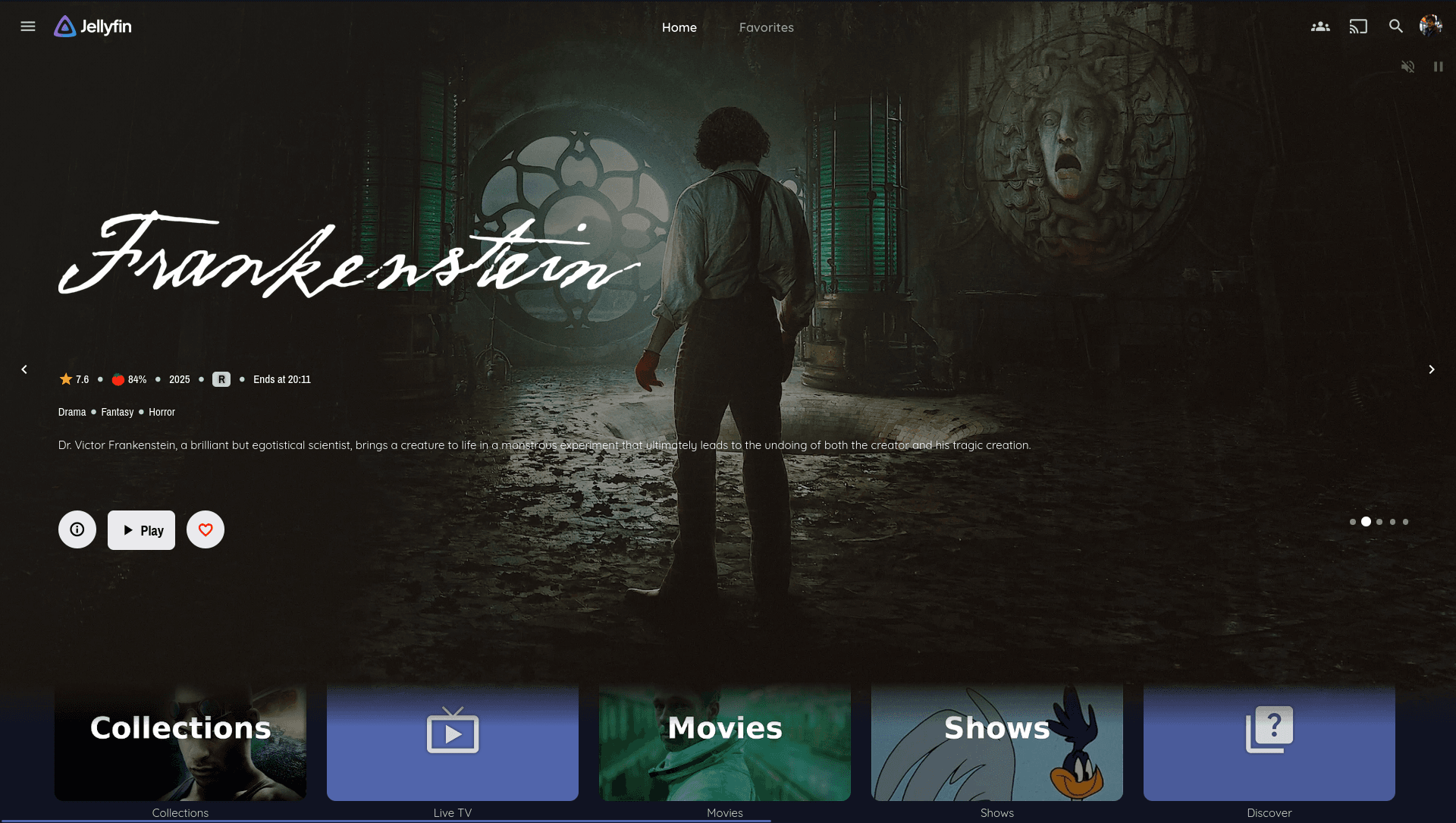
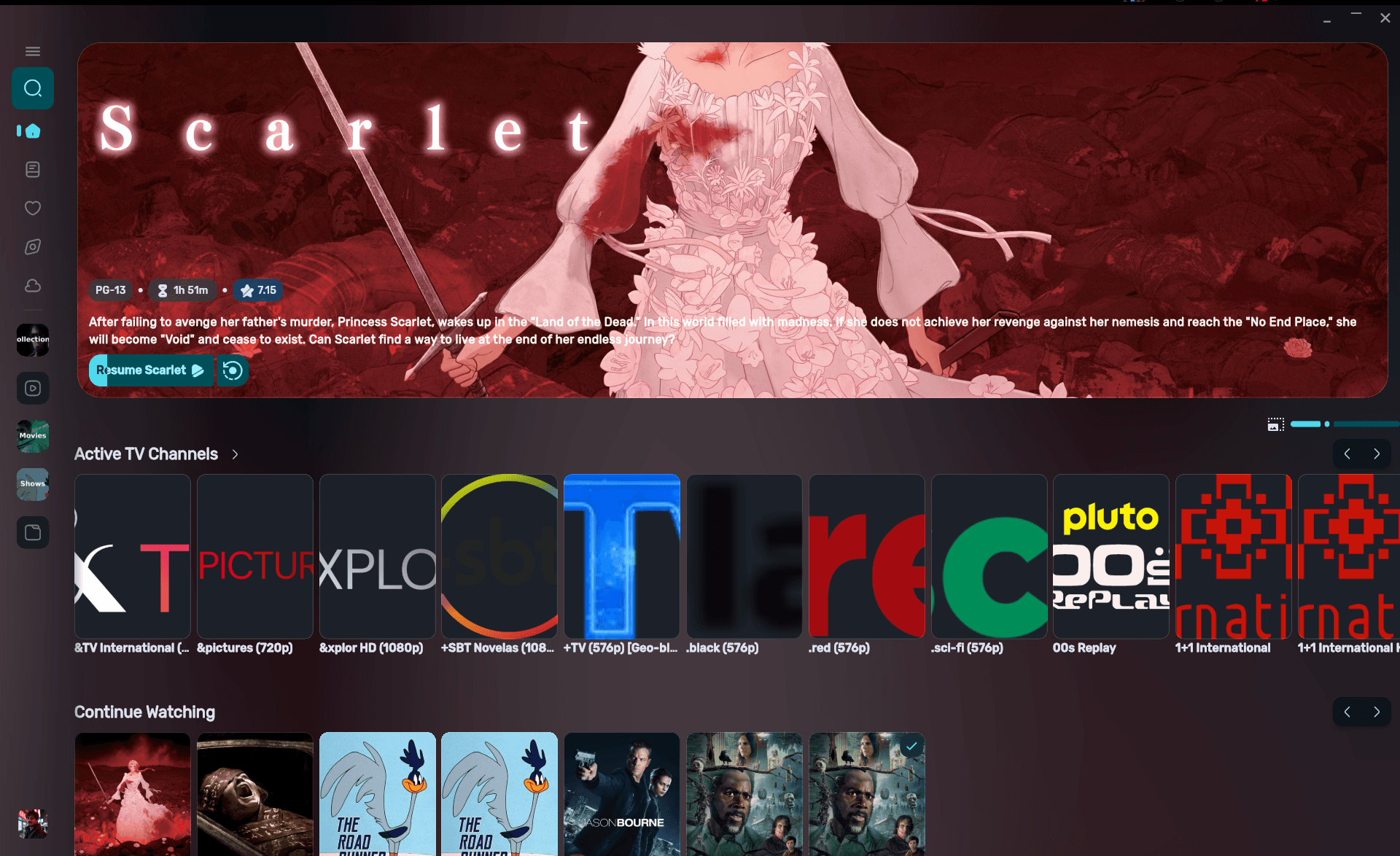
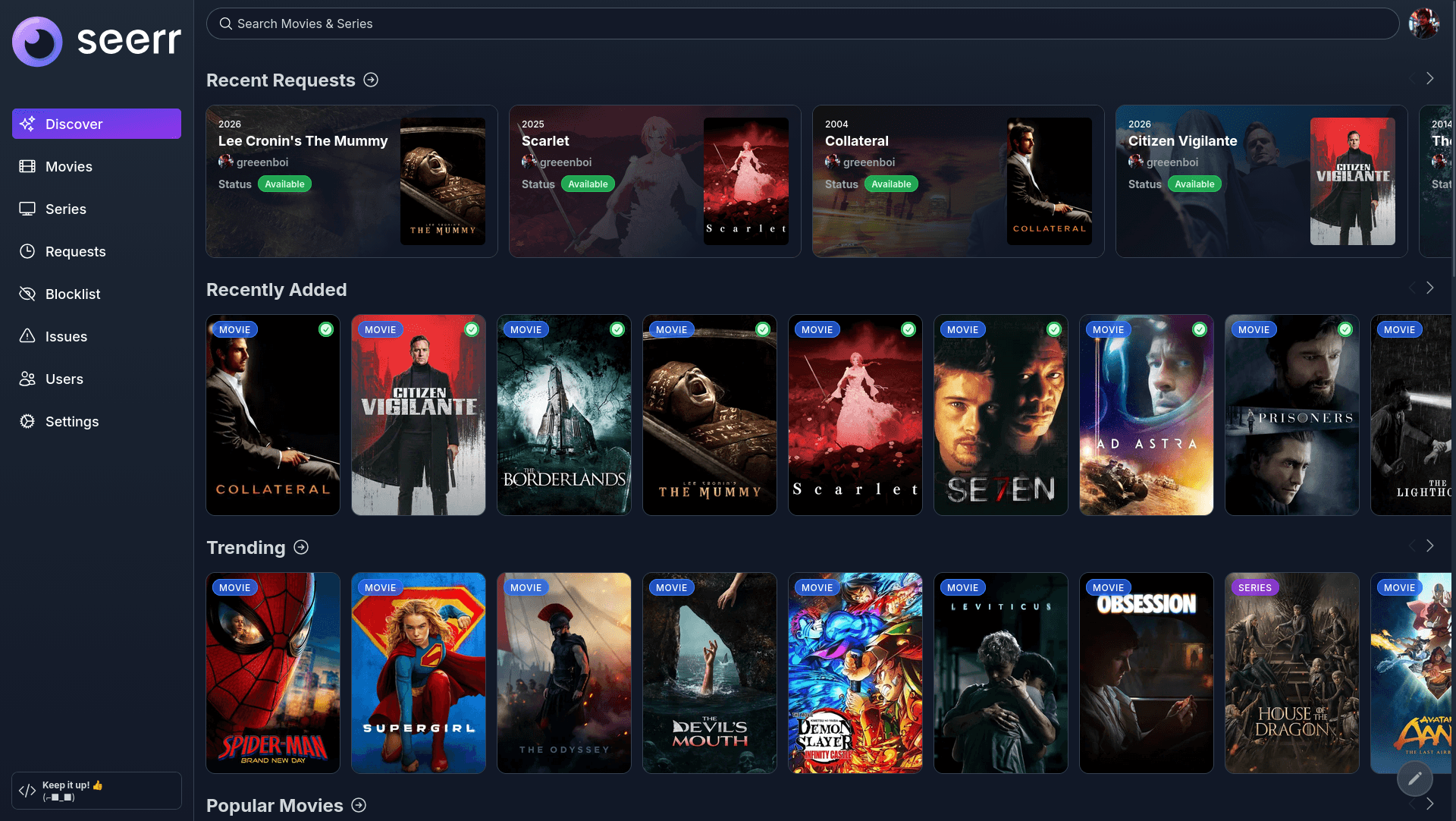
- Arr Stack LXC: My alternative to any TV or movie streaming service.
- Gitea: A self-hosted Git provider alternative to GitHub and GitLab.
- Discopanel: A managed Minecraft hosting service with as much RAM and CPU as I want.
- BentoPDF / Omnitools: Two services that take care of any media or PDF task I want.
- I was able to set up a certificate authority through Proxmox ACME and Cloudflare DNS, so all of my services are encrypted through ACME.
- I was also able to set up notifications through SMTP to me and other trusted individuals about any alerts that might show up in Proxmox.
- Security in Proxmox is also quite solid. I had the option to set up an LDAP service, but that would be a headache to maintain, so I stuck to non-root users and all active users must have 2FA set up. Proxmox also handles that.
- I am currently sandboxing my LXCs and VMs by using the inbuilt SDN feature. It allows me to set up VLANs and VNETs and move all my services to those subnets instead of using the direct network bridge.
Jellyfin